



Casino Bingo Canoe
How to log in
The registration and authentication protocols of the Bingo Canoe platform are structured to offer operational efficiency and strict compliance with digital security standards. Authorized users gain full access to the casino library and sports Betting markets upon successful account creation and verification.
Account Registration Process
Creating a user profile on the Bingo Canoe platform requires following a standardized technical procedure:
Platform Access: Navigate to the official Bingo Canoe website or launch the mobile App and select the registration portal.
Data Entry: Provide mandatory personal and demographic information. This includes the user’s full name, date of birth, valid email address, and residency details. The user must also define secure login credentials and select their operational currency.
Regulatory Compliance: Users are required to review and explicitly accept the official Terms and Conditions, the Privacy Policy, and the Responsible Gaming guidelines of the platform.
Initial Verification: Complete the preliminary account activation by validating the provided email address via a system-generated confirmation link.
System Authentication
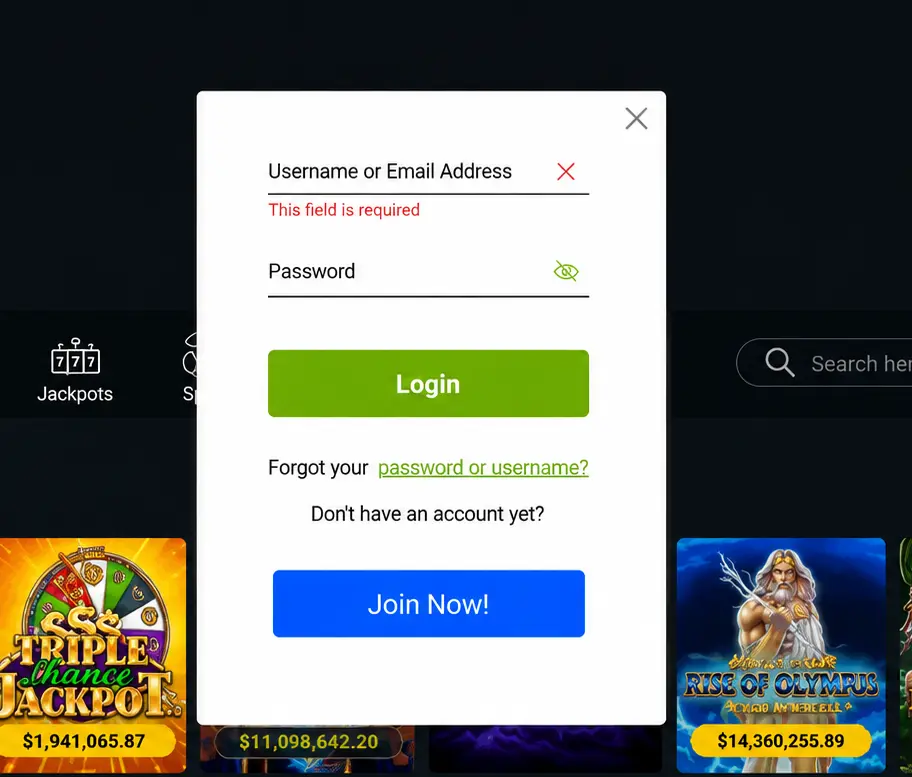
Registered users can access their profiles through the standard authentication interface on both desktop and mobile platforms.
Interface Access: Locate the designated “Log in” button on the platform’s homepage.
Credential Entry: Enter the registered email address or specific username along with the corresponding secure password. Case sensitivity must be observed.
Dashboard Navigation: Upon successful server authentication, the user is redirected to the central account dashboard. This interface manages deposits, withdrawals, transaction history, account settings, and promotional Bonus activations.
KYC Identity Verification
In strict compliance with Spanish gaming regulations, Bingo Canoe enforces mandatory Know Your Customer (KYC) identity verification procedures.
Purpose of Verification:
Prevention of underage gambling access.
Mitigation of fraudulent activities.
Security in financial processing and routing.
Compliance with legal limits.

Required Documentation: Users must submit digital copies of the following:
Official government-issued ID (such as DNI, NIE, or Passport).
Proof of residential address (e.g., a recent utility bill).
Verification of the designated financial payment method.
Document processing is standardly completed within 24 to 48 hours, after which full withdrawal functionality is enabled.
Password Recovery and Troubleshooting
Account Recovery Protocol
In case of lost credentials, users must execute the automated recovery process:
Select the “Forgot my password” function located on the login interface.
Enter the registered email address.
Follow the secure reset instructions sent to the email inbox to establish a new password.

Resolving Authentication Failures
If login attempts are unsuccessful, the following technical resolutions should be applied:
Verify the accuracy of the entered username and password.
Confirm that the initial email verification step was completed.
Clear local browser cache and cookies.
Temporarily disable any active Virtual Private Network (VPN) or proxy services, as these can trigger geographical security blocks.
Platform Security Specifications
The digital infrastructure of Bingo Canoe employs standardized security protocols to protect user data and financial operations during every active session. For further corporate and regulatory details, users can consult the About us section.
Data Encryption: Mandatory implementation of SSL encryption on all internal and external data transfers.
Access Control: Enforcement of complex password requirements and optional Two-Factor Authentication (2FA).
System Monitoring: Utilization of automated fraud detection algorithms.
For persistent issues related to registration, verification, or system access, technical assistance is available through the platform’s integrated live chat or official contact forms.